

Google EDUtech Asia 2024: Team Recon Drone
We (Jolie Teo, Olivier Bhogal, Jonatas Mancuso, Louis Gan and Shi Hao Ng) represented Marlborough College Malaysia as Team Recon Drone, and participated in Google EDUtech Asia's 2024 Planet Protectors Challenge held in Marina Bay Sands, Singapore. We won first place.
We built a waste analytics platform, which relying on various sources of image input (e.g., drone photos, CCTVs, etc.), we use a SFT'd YOLOv11 model to display the distribution of waste in a geographic location on a React heatmap overtime. This heatmap is useful because it allows relevant stakeholders to analyse where are waste accumulating in a country over-time, which allows them to root out the cause behind such accumulation, and also to concentrate waste-handling resources in the appropriate location.
Project page · Code on GitHub · Weights and Biases report · Training report (PDF) · Poster (PDF) · Instagram · School article

Videos
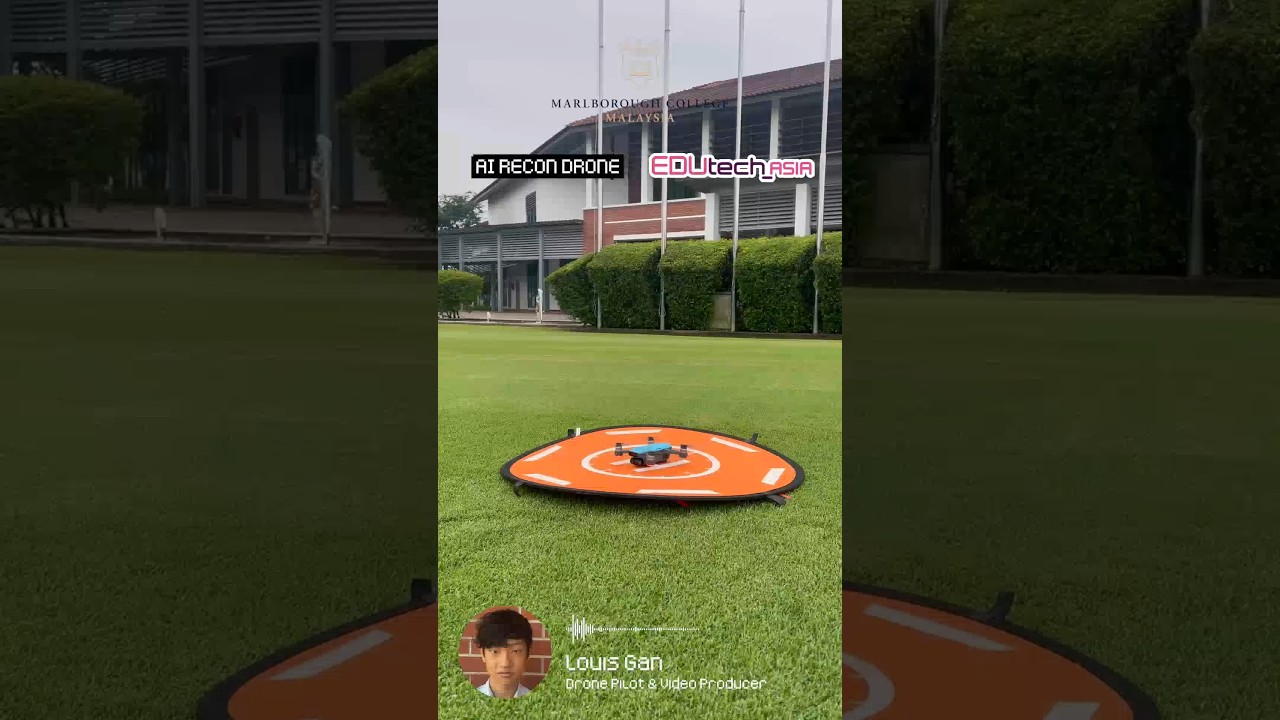 |
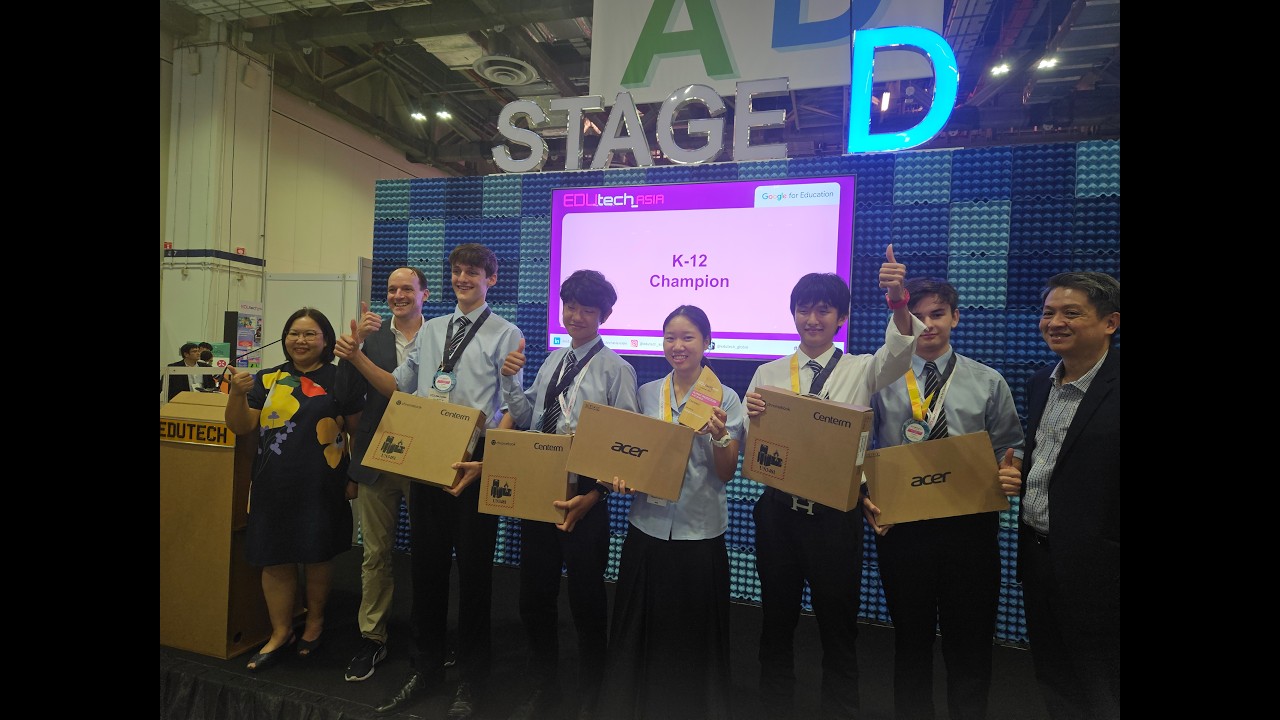 |
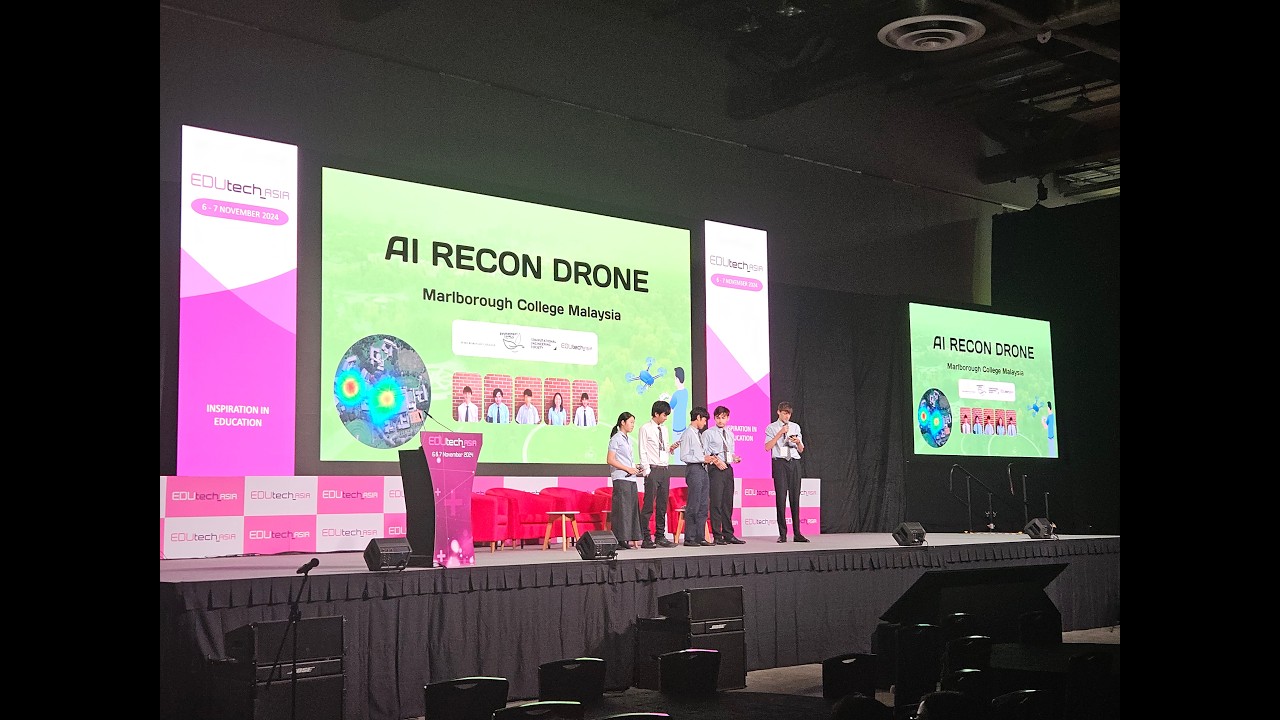 |
| Project video link |
Finale team presentation link |
Main-stage pitch link |
How it works
Images can come from any source that records where and when they were taken, such as a CCTV camera or a drone. In our prototype, we programmed a DJI drone using the DJI SDK to fly a pre-programmed route over beaches, plantations and rural villages with no existing infrastructure. Our Flask backend reads the GPS coordinates and timestamp from each image's metadata, before using our SFT'd YOLOv11 model to detect and classify waste into eight classes, then stores the results in Google Firebase. Next, the React web app plots these detections as an interactive heatmap on Google Maps. Since we store each image's date, this tool allows users (stakeholders) to geospatially track and analyse how waste levels in a region change month by month. This system was set up around our 90-acre school campus.

weights/best.pt     final model: YOLO11l, 8 classes, epoch 8 of fluent-morning-79
weights/args.yaml   training arguments of the final run
archive/            every earlier checkpoint, described in archive/README.md
inference.py        runs weights/best.pt on a folder of images
docs/               training report PDF, W&B charts and photos
Results
The goal was to ship a computer vision model that, using each image from Louis's drone data store, the model detects every piece of trash in it and classifies the type, before finally handing the bounding box detections to Jolie and Jonatas's Flask and Firebase backend for the heatmap.
I first experimented with a ViT classifier in September, and also with training a custom CNN from the ground up. In the end, I went with fine-tuning a YOLOv11 open-source waste datasets I collated from Roboflow. This is because a ViT classifier would’ve been too expensive to serve at scale, and I lacked the technical experience as well as both data and compute resources needed to train a custom classifier CNN from the ground up.
Before any big training runs, I always tested our training code on an NVIDIA L4 from Google Colab, because it's cheaper to fail and make mistakes in Google Colab. Then, once my training code is tested, I fine-tuned a YOLOv11l model on waste classification using NVIDIA H100 spot instances from Google Cloud GCP. I logged our training curves and data to Weights & Biases and uploaded each checkpoint onto Hugging Face.
To fine-tune our computer vision model, I collected 300 thousand images from 25 open-source waste-classification related datasets and merged them on Roboflow. Our final model is a YOLOv11-L, fine-tuned for 9 epochs, reaching 0.381 mAP50 and 0.264 mAP50-95 on our validation set, and forward-passes an image in ~0.015 seconds on an NVIDIA L4.
The charts below are our logged training results from Weights & Biases:


To read more about the training runs, the datasets we built, and how to repeat our training, see docs/training.md on GitHub.
Use the model
from huggingface_hub import hf_hub_download
from ultralytics import YOLO

model = YOLO(hf_hub_download("shng2025/EDUtech-Recon-Drone-YOLOv11", "weights/best.pt"))
model.predict("drone_photo.jpg", conf=0.25)[0].show()
Poster and Pictures

 |
 |
 |
 |
 |
 |
 |
 |
Credits
- Jolie Teo (Crispy2chickens): Lead Pipeline Engineer and Assistant Machine Learning Engineer. Team lead.
- Olivier Bhogal: Creative Director and Assistant Pipeline Engineer.
- Jonatas Mancuso: Lead Front-end Developer.
- Louis Gan: Lead Drone Engineer and Assistant Pipeline Engineer.
- Shi Hao Ng (Ice-Citron): Lead Machine Learning Engineer. Initial team lead.
MIT License.
- Downloads last month
- 957
Model tree for shng2025/EDUtech-Recon-Drone-YOLOv11
Base model
Ultralytics/YOLO11